The Hidden Cost of Calendar and Contacts Chaos
Juggling Google, Microsoft and Apple accounts caused double bookings and lost contacts; Contacts+ and CalendarBridge synced everything into one view.

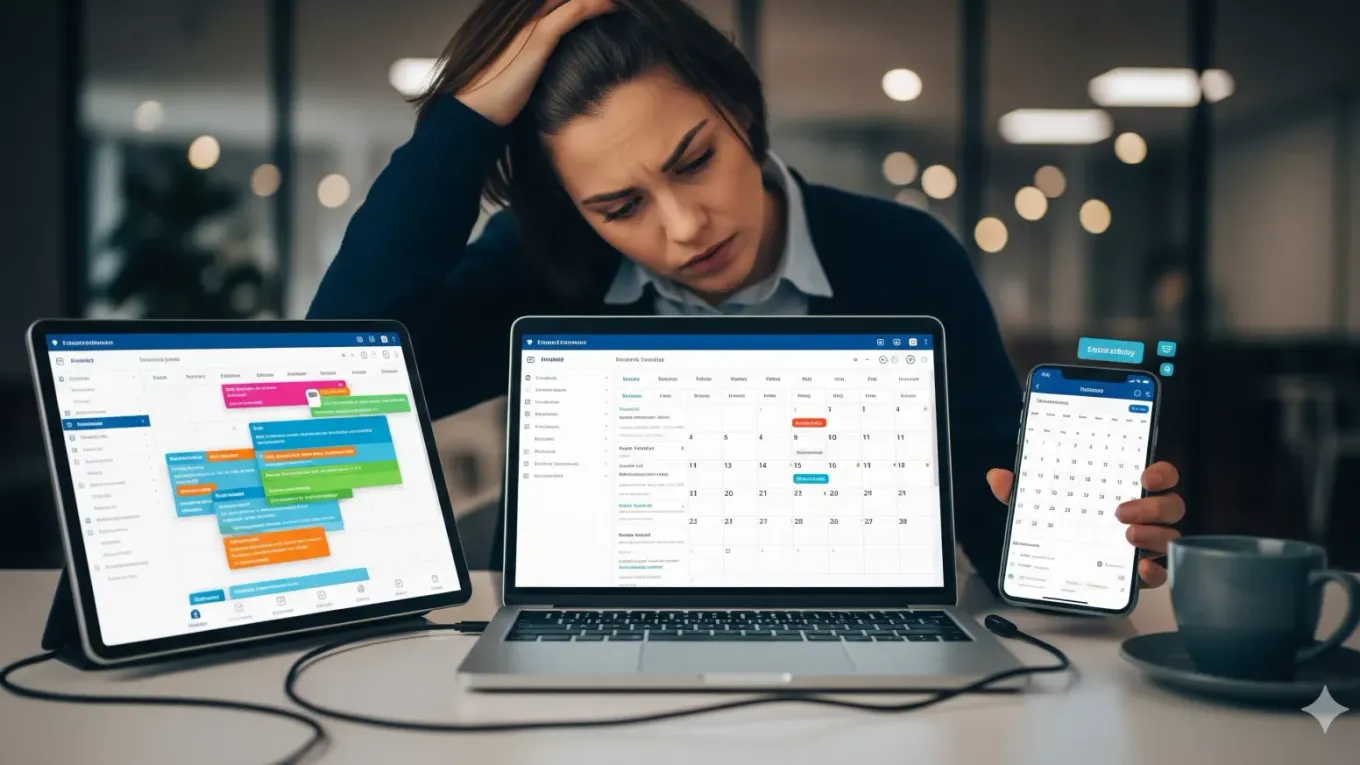
Are you juggling multiple email accounts across Google, Microsoft, and Apple?
If you’re like me, you’ve probably accumulated a collection of email accounts over the years. Personal Gmail accounts, work Microsoft 365, maybe an old Apple ID, and that business account from your side project. Each one comes with its own calendar and address book, creating a fragmented mess that costs you time, causes embarrassing scheduling conflicts, and makes you look unprofessional.
Last year, I missed a concert I’d been looking forward to for months. Why? I had it in my personal calendar but scheduled a dinner at the same time in another calendar. That was my breaking point.
After testing various solutions, I’ve found two tools that I want to share with you that have transformed how I manage my life across multiple platforms: Contacts+ and CalendarBridge.
The Real Cost of Fragmentation
Before diving into the solution, let’s talk about what this chaos actually costs us:
Contact Confusion
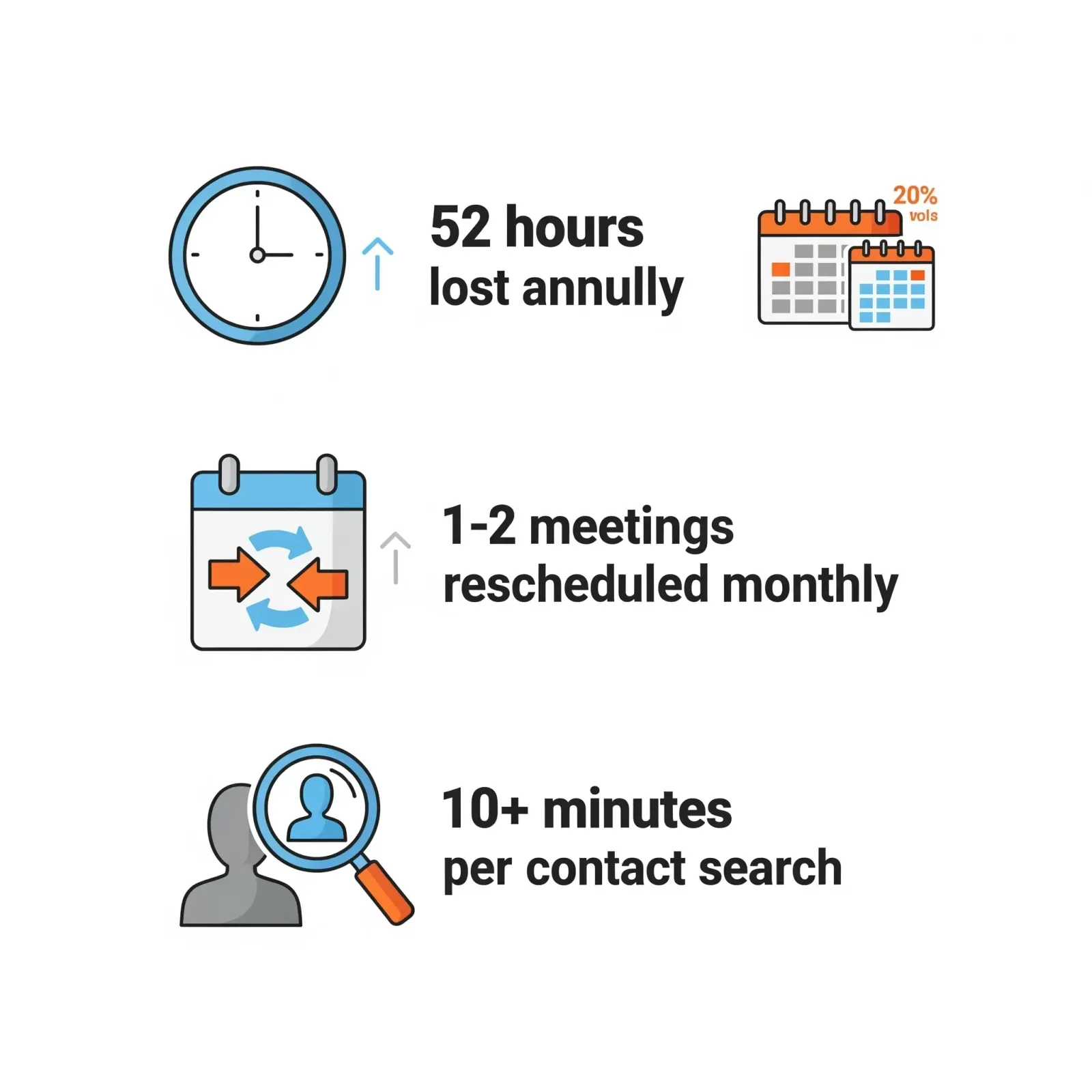
I can’t count the times I’ve spent 10 minutes hunting for someone’s contact details, clicking through Gmail, then Outlook, then my phone, trying to remember where I saved their information. Even worse, I’ve had outdated phone numbers in one system while the current one sat in another.
Calendar Catastrophes
I was rescheduling 1-2 meetings every month due to double bookings. Each reschedule meant:
- An apologetic email explaining the conflict
- Back-and-forth messages to find a new time
- Damaged credibility with clients or colleagues
- Lost preparation time
The Hidden Time Drain
My conservative estimate? This fragmentation was costing me at least one hour every week. That’s 52 hours annually, or more than a full work week lost to completely avoidable inefficiency.
The Solution: Sync Across Platforms
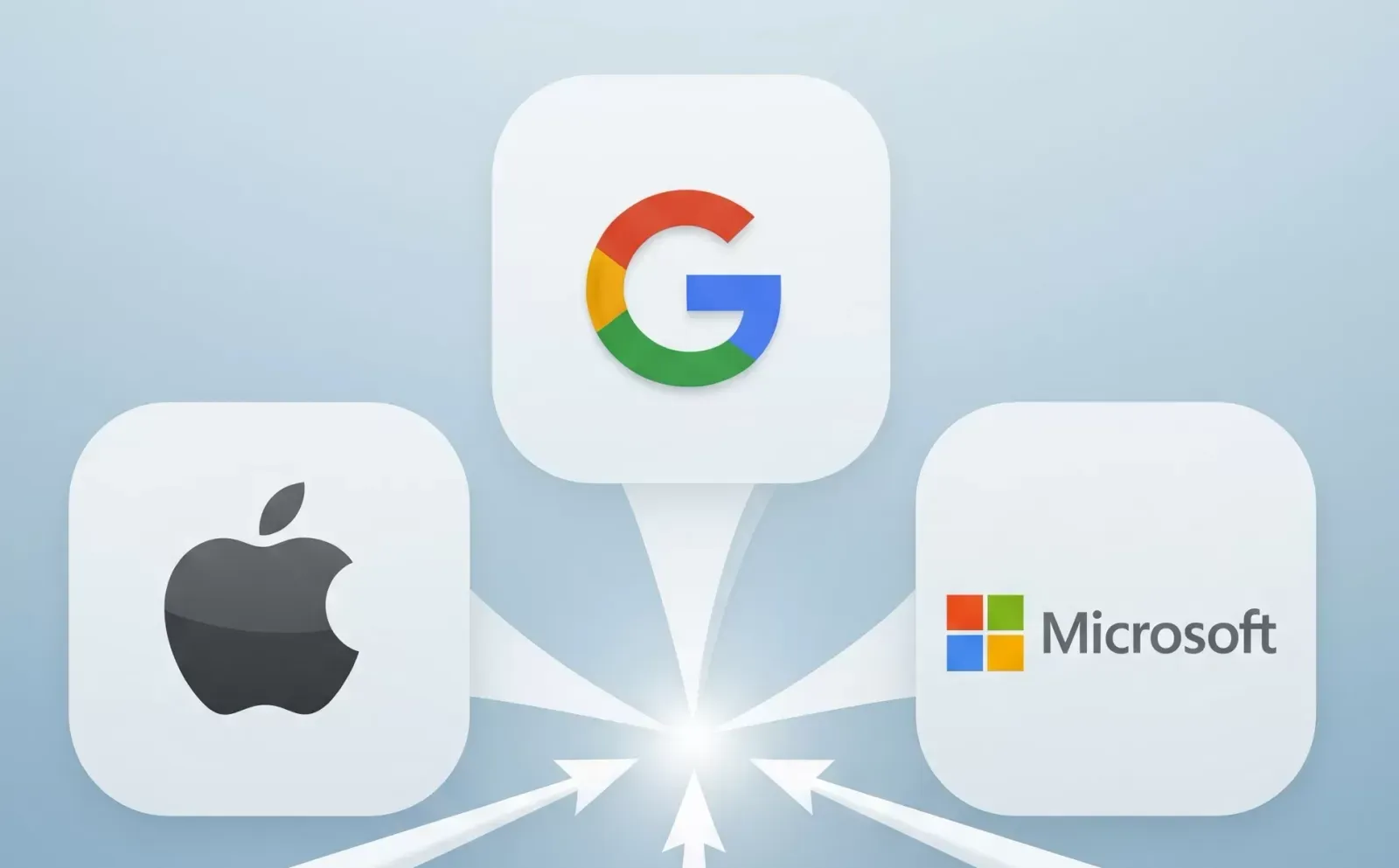
After extensive research, I discovered that surprisingly few tools can truly sync across the Apple, Google, and Microsoft ecosystems. Most solutions work great within one ecosystem but fail when you need cross-platform integration.
Contacts+ : Universal Address Book

Contacts+ (contactsplus.com) creates a single, unified contact database that syncs across all your accounts.
Key benefits I’ve experienced:
- Automatic deduplication that cleaned up 10+ years of accumulated contact chaos
- Smart updates that keep information current across all platforms
- Universal search that finds anyone in seconds, regardless of where they were originally saved
The setup was simple. I connected my various accounts, let the system identify duplicates, spent about an hour cleaning up old data, and now everything just works.
CalendarBridge

CalendarBridge (calendarbridge.com) solved my scheduling nightmare by creating a master calendar view while maintaining privacy.
What makes it useful:
- Unified availability across all calendars for booking tools like Calendly or Microsoft Bookings
- Privacy controls that let me show busy times without revealing details from other accounts
- Selective sync where I choose what level of detail appears in my master calendar
I simply mark personal events as “private” and tag business meetings with their source account. My assistant can now see my true availability without accessing sensitive information.
Who Really Needs This?
These tools aren’t for everyone. But if you’re:
- A senior executive managing multiple business interests
- A consultant juggling client accounts and personal calendars
- In any people-facing role where contact management is critical
- Someone whose assistant needs visibility into your schedule
- Using booking tools for client meetings
Then the return on investment is great.
Yes, each tool costs around €120 per year. That’s €240 total.
But let’s put this in perspective. If your time is worth €50/hour (and for most business people, it’s much higher), you only need to save 5 hours annually to break even. I save that in a single month.
Not the mention the unknown cost of missing an important meeting.
Important Considerations
Before jumping in, note that some corporate IT departments may need to approve these integrations. The good news is that many businesses already use them.
The Bottom Line
After using both tools, I can’t imagine going back to the old chaos. Avoiding scheduling conflicts. Finding contacts is instant. And perhaps most importantly, I project a more professional image by never having to say “Sorry, I had you in my other calendar.”
Have you found other tools that solve this problem? Or are you still living in calendar chaos? Share your comments below.